AI Agents for Business: 7 Use Cases That Actually Work
We break down 7 real-world AI agent use cases, from lead qualification to reporting, that save Indian startups hours of manual work every week.

By Prabhat Patra
Updated on Nov 14, 2026

Table of contents
What's the difference between an AI agent and a chatbot?
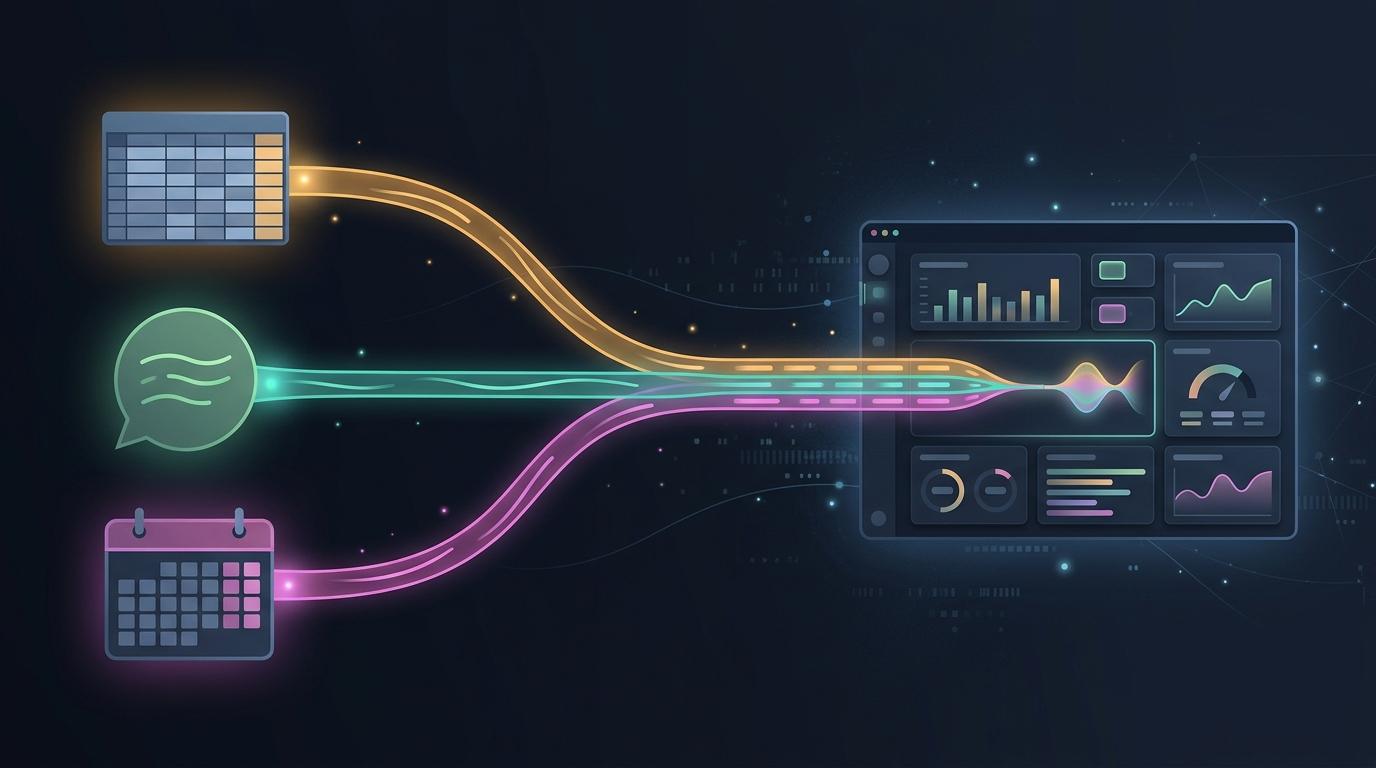
The short answer is that a chatbot answers questions, while an AI agent completes multi-step tasks. A chatbot is a conversational interface for a single knowledge base; an agent is a worker that can reason, plan, and use multiple tools (like your CRM, email, and calendar) to achieve a goal.
Think of it this way: you can ask a chatbot “What’s the status of order #123?” and it will look it up and tell you. You can tell an AI agent, “A customer just emailed asking for the status of their order, can you find it and reply to them with an update?” The agent will read the email, identify the order number, log into your backend system to get the status, draft a human-sounding reply, and maybe even put it in your drafts folder for you to approve. It’s a subtle but powerful difference. For a deeper dive, see our guide on the real difference between a chatbot and an AI agent.
[[IMAGE 1]]What are some practical use cases for AI agents in business?
The best first use cases for AI agents for business are repetitive, rule-based, and high-volume. Don't start with a creative or strategic task. Instead, look for the boring, predictable workflows that quietly consume your team's time every single day.
Here are seven examples we’ve seen deliver real value.
1. Customer Support Triage
Instead of a human reading every single support ticket to categorize it, an agent can do the first pass. It reads the incoming email or ticket, understands the user's intent (is it a billing question, a technical bug, or a feature request?), tags it appropriately, and routes it to the right person or department in your helpdesk software. This alone can shave minutes off every single ticket's resolution time.
2. Sales Lead Qualification
A potential customer fills out the contact form on your website. Today, a salesperson probably gets an email and has to manually enrich that lead—finding their company size on LinkedIn, checking their tech stack with BuiltWith, and so on—before deciding if they’re a good fit. An AI agent can do all of that automatically, checking multiple external APIs, and then post a summary in a Slack channel for the sales team, complete with a “hot” or “cold” rating and the reason why.
3. New Client or Employee Onboarding
Onboarding is a classic checklist process that's surprisingly hard to automate with traditional tools. An agent can manage the whole thing. For a new client, it can create their folder in Google Drive, set up their private Slack channel, add them to your project management tool, and send a templated welcome email with key links. It checks off each step and flags any failures for a human to review.
4. Automated Weekly Reporting
Your ops lead probably spends hours every Monday morning pulling numbers from three different SaaS tools into a single spreadsheet just to generate a weekly report. An agent can be tasked to do this automatically. At 8 AM every Monday, it logs into your CRM, your analytics tool, and your ad platform via their APIs, pulls the key metrics you’ve defined, and formats them into a clean report delivered straight to your inbox or Slack. This is a massive step up from a simple spreadsheet; you can learn more about the signs it's time to switch from spreadsheets to dashboards here.
5. Intelligent Email Triage
This is more than just a spam filter. An agent can monitor a shared inbox like `info@yourcompany.com` or `partners@yourcompany.com`. It can read incoming emails and understand the intent. Is it a sales inquiry? Forward to the sales team. A press request? Forward to the founder. A vendor invoice? Save the PDF to a specific folder and notify the finance team. The goal is to turn a chaotic shared inbox into a structured workflow.
6. “Smart” Data Entry
Standard automation can move data from field A to field B. But what if the data is messy? An AI agent can handle unstructured data. For example, it can read handwritten notes from a scanned PDF, extract the relevant entities (like client name, project ID, and amount), and enter that structured data into your ERP or internal dashboard. This is something that simple RPA bots struggle with.
7. Complex Scheduling
Basic scheduling tools are fine for booking a single meeting. But what about coordinating a three-person interview panel across different time zones, booking a room, and ensuring there are no conflicts? An agent with access to everyone's calendars can manage this entire multi-step negotiation over email, proposing times and adjusting until a slot is confirmed, then sending the final invite.
How much time can an AI agent actually save?
The returns can be significant, but they aren't guaranteed. According to a PagerDuty survey from March 2025, executives reported an average ROI of 171% on their AI agent deployments—about three times the return of traditional automation.
The most famous public example is Klarna. Their customer service AI agent now handles 2.3 million chats per month, doing the equivalent work of 700 full-time employees. They’ve reduced their average resolution time from 11 minutes down to just 2. The estimated annual profit impact is a staggering $60M. While your startup might not see numbers that big, the principle is the same: find a high-volume, repetitive task, and the savings add up fast. For tasks in customer service or finance, it's possible to see a positive return in as little as four to five weeks.
[[IMAGE 2]]What are the common mistakes teams make when building their first agent?
Honestly, most teams get this wrong the first time. Gartner forecasts that over 40% of agentic AI projects will be canceled by the end of 2027, often due to unclear business value or escalating costs. The failures usually come down to a few common mistakes.
First is what people call “agent washing.” Many tools marketed as “AI agents” are just slightly smarter chatbots or single-step automations. A real agent can plan and execute a sequence of actions across multiple tools. Always ask a vendor what the tool *actually does* between your prompt and the final result.
The second mistake is starting too broadly. Don't try to build a general-purpose “digital employee.” That’s how projects get stuck in pilot mode forever. Your first agent should do one thing perfectly, like qualifying web leads or processing invoices. Nothing else.
Finally, teams often ignore the “last mile.” An agent might automate 90% of a task, but if the final 10% requires a human to log into three different systems to verify the work, you haven't saved much time. The handoff between the agent and the human needs to be designed just as carefully as the automation itself.
How do you get started without derailing your operations?
The key is to start small with a process that is easily reversible. Don't automate sending payments as your first project. Start with something like drafting reports or triaging support tickets, where a mistake is easily corrected.
Step 1: Find a single, high-frequency task
Look for a workflow that someone on your team does multiple times a day. It should be bounded (has a clear start and end) and measurable. Ask your team: “What’s the most boring, repetitive part of your job that you wish you could offload?” That’s usually your best candidate.
Step 2: Measure the baseline first
Before you build anything, measure the current state. How long does the task take a human to complete? What’s the current error rate? What does it cost in terms of salary? Without this baseline, you can't prove you've made any improvement.
Step 3: Start with read-only permissions
For the first version of your agent, don't give it permission to write data or take actions. Let it run in a “read-only” or “suggest-only” mode. This lets you validate its decision-making process in a safe environment. For example, have it *draft* the reply email but not send it, or have it *suggest* the tags for a support ticket but not apply them.
Step 4: Define the human-in-the-loop rules
Decide exactly where a human needs to approve an action before it's executed. For high-stakes processes, you might always require a human approval step. For low-stakes tasks, you might let the agent run autonomously but have it flag anything it's less than 95% confident about for human review. This addresses the fear of losing control and having an agent make a major error.
What does a custom AI agent project look like?
Building a reliable AI agent isn't about just plugging into an API. It's about deeply understanding a specific business workflow and then carefully connecting your existing tools to automate it, end-to-end.
As a product studio, our approach is to tackle one workflow at a time. We typically build and deploy a focused agent within a 2–4 week sprint with a fixed scope. We build it, we deploy it, we maintain it. Critically, we connect your existing tools instead of replacing them, so your team doesn't have to learn a whole new system. You own 100% of the code, designs, and infrastructure accounts, so you're never locked in.
If you have a repetitive process you think could be a good fit for an AI agent, we offer a free automation audit. We’ll help you map out the workflow and give you a straight answer on whether an agent is the right solution. You can learn more about our AI agent development here.
Frequently asked questions
The cost varies widely. Off-the-shelf platforms like Microsoft 365 Copilot or Google Gemini Business start around $21 per user per month for basic capabilities. Custom AI agent development for a specific workflow is a bigger investment, often ranging from $40,000 to $100,000+ depending on the complexity of the integrations.
This is critical. You can design workflows that require explicit human approval before key actions are taken, like sending a client-facing email or processing a payment. The agent can also be programmed to flag any task where its confidence level is below a certain threshold (e.g., 95%) and assign it to a person for manual review.
Our experience shows that agents augment your existing team, they don't replace them. By handling the repetitive, low-value tasks, they free up your operations and support staff to focus on more complex problem-solving, customer relationships, and strategic work that a machine can't do.
Traditional tools like Zapier are great for simple, linear 'if this, then that' workflows. An AI agent is different because it can handle ambiguity and make decisions. It can understand unstructured data (like the text of an email), reason about the next best action, and execute a multi-step plan across different applications, which is beyond the scope of most traditional automation. We have a guide on <a href="/blogs/zapier-vs-custom-automation">Zapier vs custom automation</a> that explores this.
Security is paramount. Best practice is to follow the principle of least privilege: the agent should only have the minimum access required to do its job. Starting with read-only permissions is a great way to test an agent safely. For a deeper look at the risks, check out our guide on <a href="/blogs/ai-agent-security-for-businesses-india-2027">AI agent security for Indian SMBs</a>.
Get an honest MVP assessment in 5 minutes.
We tell you what to build, what to skip, and what it'll actually cost. No fluff.
Assess My IdeaFree · 5 minutes · No obligation