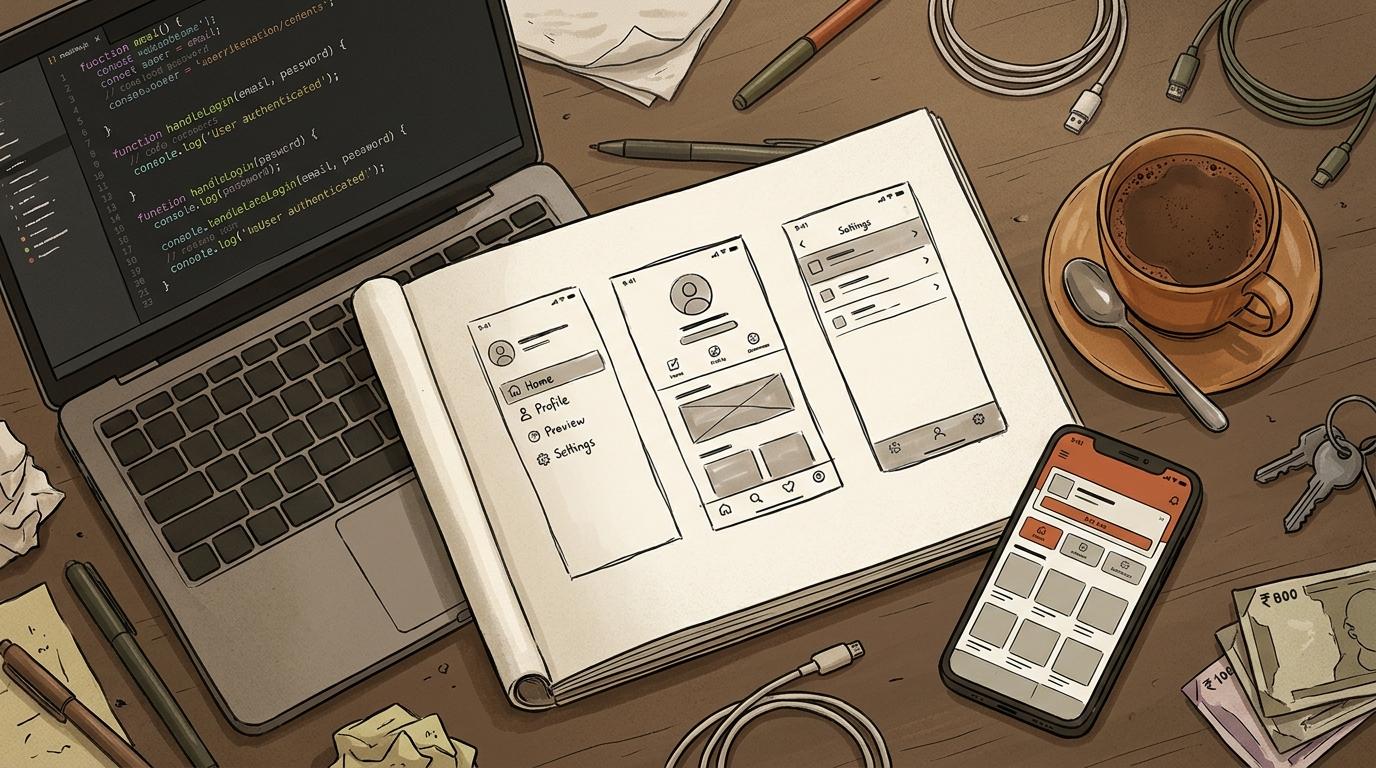
How Much Does Mobile App Development Cost in India in 2027?
Planning an app budget? Get real 2027 estimates. We break down costs for everything from a ₹5L MVP to a ₹75L+ platform, with no fluff.

By Prabhat Patra
Updated on Nov 15, 2026
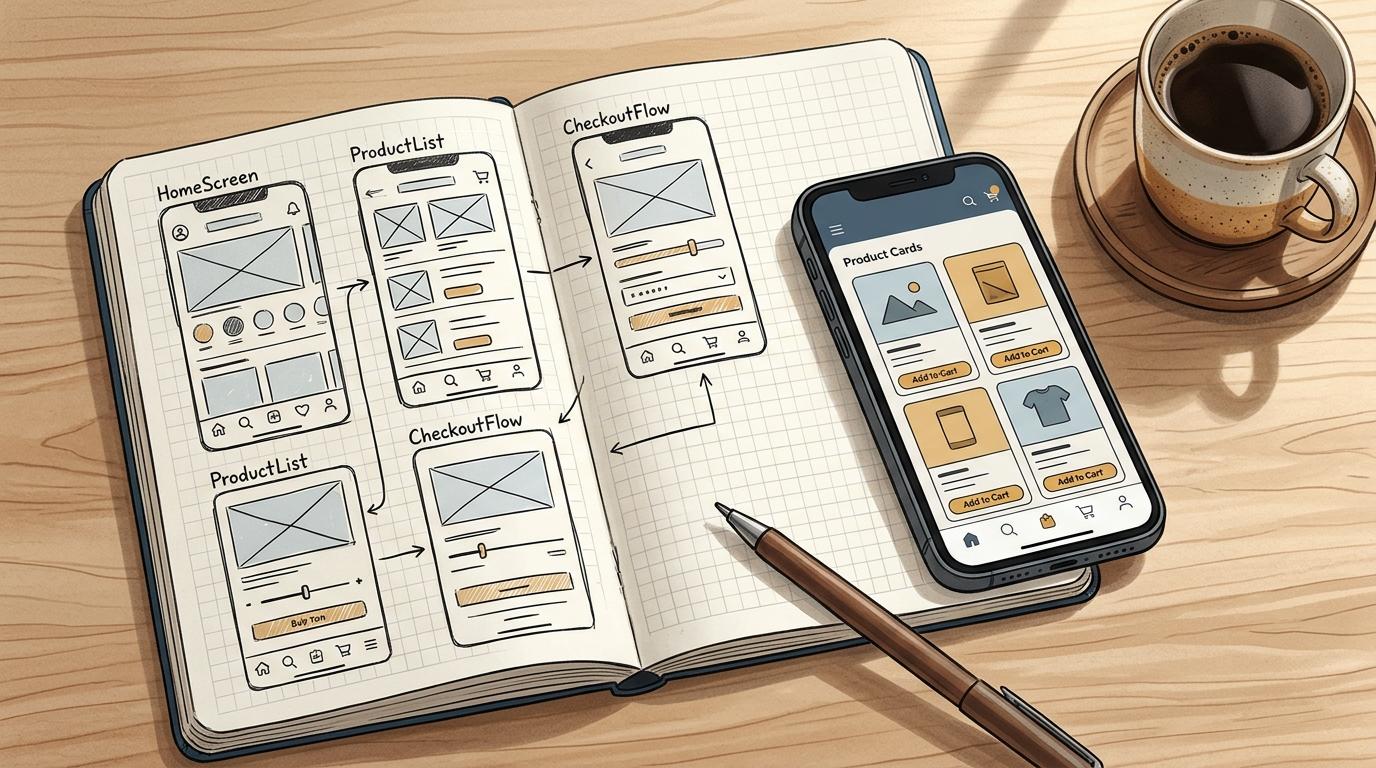
Table of contents
What's the real cost of building a basic app in India?
For a Minimum Viable Product (MVP) with core features to test your idea, you should budget between ₹5 lakh and ₹10 lakh. This typically gets you a focused app for one platform (iOS or Android) built in about 8 to 12 weeks.
Forget the ₹40,000 figures you might see elsewhere. While technically possible, that price buys you little more than a template with no real backend. An MVP isn't just about having a few screens; it's about validating a core business assumption with real users. This means it needs a solid backend, a clean database, and a user experience that doesn't feel broken.
We find most founders need an app that can handle user accounts, process some form of data, and maybe connect to one or two external tools. That's the ₹5L–₹10L sweet spot. You can find a more detailed breakdown in our founder's guide to MVP development costs.
How much does mobile app development cost in India in 2027 for a complex app?
A mid-complexity app with features like payment gateways and admin panels will cost ₹15 lakh to ₹25 lakh. For a truly complex, multi-role platform like a marketplace or a logistics app with live tracking, costs often start at ₹30 lakh and can go well beyond ₹75 lakh.
The complexity jump is where budgets get misaligned. Founders often say, "I want an app like Swiggy," without realising that Swiggy isn't one app. It's three: one for customers, one for delivery partners, and a web dashboard for restaurant owners, all connected by a massive backend infrastructure. That's a platform, not an app.
Mid-complexity apps often include:
- Payment gateway integration
- Push notifications
- A custom admin panel for managing users and content
- Social logins and user profiles
Complex apps add layers like real-time GPS tracking, in-app chat, multiple user roles with different permissions, and heavy third-party API integrations. When we built FurrCircle, an all-in-one app for pet parents, it involved building out web, iOS, and Android versions with a shared backend—that's a platform-level build.
What factors actually drive up app development costs?
The biggest cost drivers are feature complexity, the number of platforms (iOS, Android, Web), and your choice of development team. Adding just one seemingly small feature, like in-app chat, can add weeks of work and lakhs to the budget.
Here’s a rough idea of what individual features can cost to build from scratch. These are not a-la-carte prices but give you a sense of where the effort goes.
| Feature | Estimated Cost (INR) | Why it costs this much |
|---|---|---|
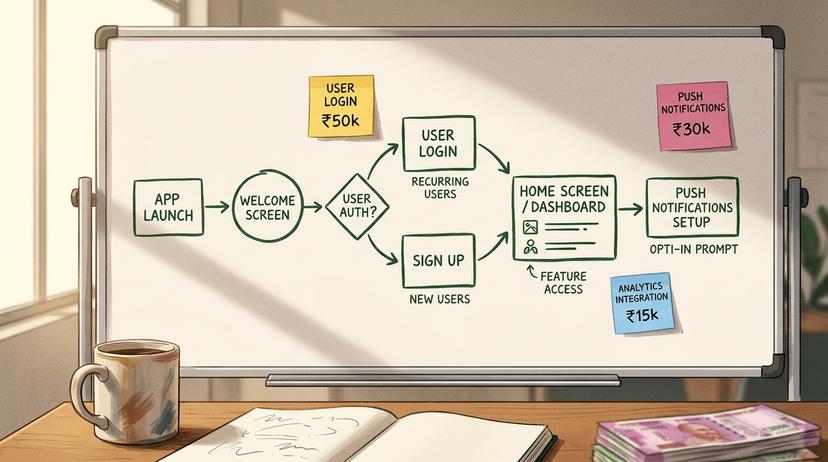
| User Login & Accounts | ₹35,000 - ₹60,000 | Includes sign-up, login, password reset, and profile management. |
| Push Notifications | ₹20,000 - ₹40,000 | Requires setup with Apple (APNS) and Google (FCM) services. |
| Payment Gateway | ₹40,000 - ₹80,000 | Secure integration with a provider like Razorpay or Stripe. |
| In-App Chat | ₹60,000 - ₹1,20,000 | Complex, involves real-time databases and handling message states. |
| Live Map Tracking | ₹70,000 - ₹1,50,000 | Requires integrating map APIs and handling location data efficiently. |
| Custom Admin Panel | ₹80,000 - ₹2,00,000+ | Essentially a separate web app for you to manage the mobile app's data. |
Native vs. Cross-Platform: The First Big Decision
Honestly, for most startups, this is an easy choice. Building separate native apps (one in Swift for iOS, one in Kotlin for Android) is expensive and slow. It's only necessary for apps that need intense performance, like a high-fidelity game, or deep integration with device hardware.
A cross-platform framework like Flutter or React Native lets you build for both iOS and Android from a single codebase. In our experience, this can save 30-40% on the initial build cost and makes maintenance much simpler. Most business apps—from e-commerce to internal tools—are perfect candidates for cross-platform development.
The Team You Hire Matters
Your choice of a tech partner has a huge impact on the final cost and quality. A freelancer might charge ₹800/hour, while a mid-sized product studio might charge ₹2,000/hour. You're not just paying for code; you're paying for experience, project management, and reliability.
The lowest price often ends up being the most expensive option after you account for delays, poor code quality, and the cost of rebuilding it later. It's better to work with a team that has a track record of shipping products. (We've written more about choosing between a freelancer vs. a studio for your MVP).
Are there hidden costs I should budget for?
Yes. Your total cost of ownership is much more than the initial development fee. As a rule of thumb, you should budget 15-20% of the initial build cost for annual maintenance, plus separate monthly fees for hosting and any third-party services.
Most founders get this wrong. They budget for the build and have nothing left for what comes after. Here's what you're forgetting:
- Annual Maintenance (15-20%): This covers OS updates (iOS 21 will break something, guaranteed), security patches, and minor bug fixes.
- App Store Fees: A one-time $25 fee for the Google Play Store and an annual $99 fee for the Apple Developer Program.
- Backend Hosting: Your app's brain needs to live somewhere. This can range from ₹1,500 to ₹15,000 per month on services like AWS or Google Cloud, depending on your traffic.
- Third-Party APIs: Using Google Maps for location, Twilio for SMS, or Razorpay for payments all come with usage-based costs. Payment gateways, for example, typically take around 2% per transaction.
- GST: Don't forget to add 18% GST to any quote from an Indian developer or studio.
How can I get an accurate quote without scope creep?
You get an accurate quote by defining a tight, fixed scope before any code is written. Vague ideas lead to vague estimates and endless development cycles. The best tech partners will force you to get specific before they give you a number.
Step 1: Document the Core User Flow
Don't write a 50-page document. Just map out the single most important journey a user takes in your app. For example: "A user opens the app, searches for a product, adds it to the cart, and checks out." That's it. This clarity helps a developer understand what's critical and what's a 'nice-to-have'.
Step 2: Prioritise Mercilessly for Version 1
What is the absolute minimum set of features needed to test your core idea? Everything else goes on a "Version 2" list. This MVP approach gets you to market faster and prevents you from spending months building features nobody wants.
Step 3: Ask for an Itemised Quote
A trustworthy partner will give you a quote that breaks down the cost by phase: Discovery & Design, Backend Development, Frontend (App) Development, and Testing. If you just get a single number with no explanation, that's a red flag. On our projects, like the Apexis Pro construction SaaS app, the client knew exactly what each module was costing them.
Step 4: Clarify Ownership Upfront
This is non-negotiable. You must own the code. Some firms try to lock you in by hosting the code on their accounts or using proprietary systems. Make sure your contract explicitly states that you get 100% ownership of the source code, designs, and infrastructure accounts upon final payment. It's a core principle for us, and it should be for you too.

Why do so many custom-built apps fail to get used?
Apps fail when they are built in a vacuum, away from the people who are supposed to use them. The problem isn't the technology; it's the process. A team disappears for four months and comes back with a 'finished' product that solves the wrong problem or is too complicated to adopt.
Another common mistake is trying to replace tools your team already relies on. People hate disruption. If your team lives in Slack and Google Sheets, a good tech partner builds something that connects those tools, not something that forces them to abandon them. This is key to getting adoption.
That's why we operate on a model of fixed scope and weekly releases. You see progress every single week and can give feedback. It makes it impossible for the project to go off the rails, and it ensures the final product is something your team will actually use.
Getting the budget right is the first step. The next is finding a partner who will build with you, not just for you. If you're scoping an app and want a realistic cost estimate based on a fixed scope, book a free scoping call with our team. We'll help you define your MVP and give you a clear, itemised plan in 48 hours.
Frequently asked questions
You should budget approximately 15-20% of your initial development cost for annual maintenance. For a ₹10 lakh app, that's about ₹1.5 lakh to ₹2 lakh per year to cover OS updates, bug fixes, and security patches.
Slightly, yes. Android has a more open ecosystem and less stringent review processes, which can sometimes reduce development time. However, for reaching both audiences, cross-platform development using Flutter or React Native is almost always the most cost-effective solution.
A fixed-price project has a defined scope and a set cost, which is ideal for MVPs as it protects your budget. An hourly (or 'time and materials') project is more flexible but can lead to scope creep and unpredictable costs, making it better for ongoing development after your initial launch.
No-code tools are great for simple prototypes or internal apps with standard workflows. However, if you need a unique user experience, specific backend logic, or plan to scale to thousands of users, a custom-coded app offers far more control and flexibility. We've written a guide on <a href="/blogs/no-code-vs-custom-mvp-india-guide">choosing between no-code and custom MVPs</a>.
The Google Play Store review process is often automated and can take a few hours to a couple of days. Apple's App Store review is more rigorous and typically takes 1-3 days, but it can take longer if they request changes or additional information. Your developer should handle this submission process for you.
Get an honest MVP assessment in 5 minutes.
We tell you what to build, what to skip, and what it'll actually cost. No fluff.
Assess My IdeaFree · 5 minutes · No obligation